
Effective Tips for Setting Boundaries with Notifications
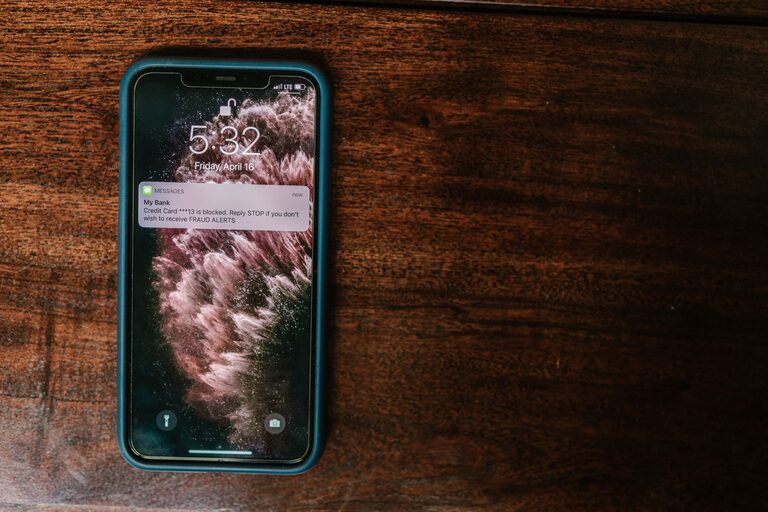
In today’s digital world, notifications constantly vie for our attention—from emails and social media alerts to app reminders and news updates. While notifications can be helpful, they can also become overwhelming, distracting us from important tasks and affecting our well-being. Setting clear boundaries with notifications is essential to maintain focus, reduce stress, and improve overall productivity.
This post shares practical tips to help you take control over your notifications and create a healthier digital environment.
Why Setting Boundaries with Notifications Matters
Notifications are designed to grab your attention. Each beep, buzz, or pop-up can interrupt your workflow and break concentration. Over time, this can lead to increased stress, reduced productivity, and even difficulty sleeping. By consciously managing when and how you receive notifications, you build a better relationship with technology and reclaim your time.
Tips for Setting Boundaries with Notifications
1. Audit Your Notifications
Start by reviewing all the apps and devices that send you notifications. Identify which notifications are necessary and which are unnecessary or can wait.
– Disable notifications from apps that aren’t time-sensitive.
– Prioritize alerts from work-related or important communication sources.
– Remove notifications for games or other distractions that do not add value to your day.
2. Customize Notification Settings
Most devices allow you to customize notification preferences by app, time of day, or notification type.
– Use “Do Not Disturb” modes during focused work or personal time.
– Set notification schedules to silence alerts during evenings or weekends.
– Choose between banners, sounds, or badges according to what is least disruptive.
3. Use Focus or Priority Modes
Many smartphones and operating systems offer “Focus” or “Priority” modes that allow only specific apps or contacts to notify you.
– Create custom profiles for different settings, such as work, home, and sleep.
– Allow calls and messages from close family or important contacts only.
– Enable these modes automatically based on your calendar or location.
4. Consolidate Notifications
Instead of getting multiple alerts throughout the day, consolidate notifications for certain apps.
– Turn off real-time alerts and check notifications manually at set times.
– Use summary features that group notifications into single reports.
– Consider email digests for newsletters and promotional content.
5. Set Physical Boundaries with Devices
Sometimes, the best way to reduce notification distractions is to create physical distance.
– Keep your phone or tablet in another room during deep work or family time.
– Use a dedicated alarm clock instead of your phone to avoid morning distractions.
– Charge devices outside of your bedroom to minimize night-time alerts.
6. Communicate Your Preferences
Let colleagues, friends, and family know when you are unavailable and how best to reach you.
– Set expectations regarding response times.
– Use status updates or away messages to inform others when you’re focusing or offline.
– Encourage others to respect your notification boundaries.
7. Regularly Review and Adjust
Technology and priorities evolve, so it’s important to revisit your notification settings from time to time.
– Reflect on which notifications add value and which cause distraction.
– Adjust settings as your work or personal life changes.
– Stay informed about new features or apps that might help manage notifications better.
Benefits of Managing Notifications Mindfully
By setting boundaries with notifications, you may notice:
– Improved concentration and productivity.
– More meaningful interactions with people around you.
– Reduced anxiety and stress related to constant connectivity.
– Better sleep quality without late-night alerts.
– Greater control over your digital life and time.
Conclusion
Notifications can be valuable tools, but when unmanaged, they can take a toll on your focus and well-being. By auditing your notifications, customizing settings, using focus modes, and setting clear communication boundaries, you create a calmer, more productive environment. Take small steps today to regain control and enjoy the benefits of mindful notification management.