
Beginner Tips for Taking Better Phone Photos
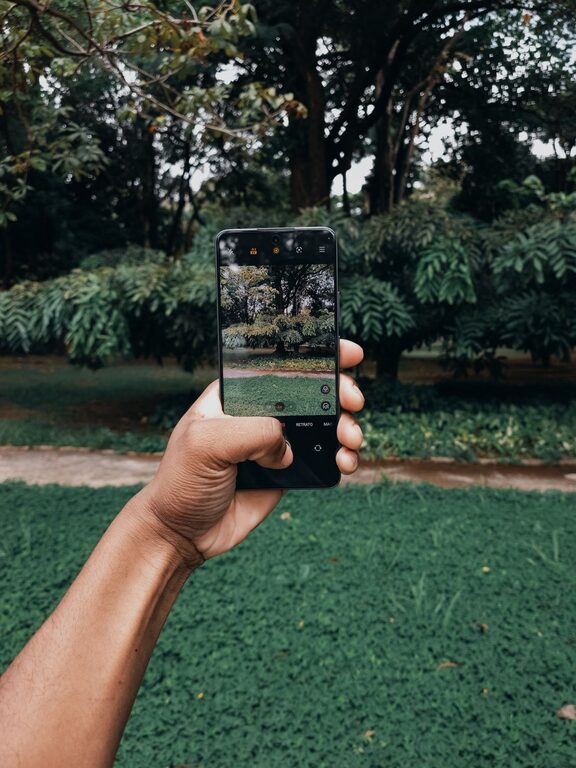
Taking great photos with your phone doesn’t require expensive equipment or advanced skills. With a few simple tips and some practice, you can elevate your phone photography and capture moments beautifully. Whether you’re snapping pictures of your family, nature, or everyday life, these beginner-friendly tips will help you take better phone photos.
Understanding Your Phone Camera
Before diving into tips, take a moment to explore your phone’s camera features. Most smartphones offer more than just a basic camera app. Here’s what to check out:
– Camera Modes: Many phones have modes like portrait, panorama, night, or pro settings.
– Lens Options: Some phones have multiple lenses such as wide-angle or telephoto. Learn when to use each.
– Settings: Explore options like exposure, white balance, and grid lines in your camera app.
Taking a little time to understand these features can improve your photos right away.
Tip 1: Keep Your Lens Clean
It may sound simple, but cleaning your camera lens is crucial. Dust, smudges, or fingerprints can blur your photos.
– Use a soft, lint-free cloth (like a microfiber cloth).
– Avoid using harsh chemicals.
– Clean your lens regularly, especially before important shots.
Tip 2: Use Natural Light Whenever Possible
Lighting can make or break a photo. Natural light is usually the most flattering and easy to work with.
– Shoot outdoors during the “golden hour” (shortly after sunrise or before sunset) for soft, warm light.
– Avoid harsh midday sun that can create strong shadows and highlights.
– When indoors, position your subject near a window or a well-lit area.
If you’re taking selfies, the light facing you (not behind you) will help illuminate your face evenly.
Tip 3: Focus and Exposure Control
Your phone’s autofocus can sometimes miss the mark, especially in tricky lighting.
– Tap the screen on your subject to set focus manually.
– Most phones allow you to adjust exposure by sliding your finger up or down after focusing. Use this to brighten or darken the image.
– Lock focus and exposure for more consistent shots, especially if you’re taking multiple photos.
Tip 4: Use the Grid for Better Composition
Composition can turn a good photo into a great one. The grid lines on your camera help you follow the “rule of thirds” to balance your shots.
– Enable the grid in your camera settings.
– Position key elements along the grid lines or where they intersect.
– Avoid placing the subject directly in the center unless for creative effect.
Tip 5: Keep Your Hands Steady
Blurry photos are often caused by shaky hands.
– Hold your phone with both hands.
– Tuck your elbows close to your body for stability.
– If possible, rest your phone on a solid surface or use a tripod.
– Use the timer option to avoid shaking when pressing the shutter button.
Tip 6: Experiment with Perspective and Angles
Don’t just snap photos from eye level. Changing your angle can add creativity and interest.
– Try shooting from high above, low to the ground, or from the side.
– Move closer to your subject to capture details.
– Step back for wide shots that include more of the scene.
Tip 7: Avoid Digital Zoom
Using digital zoom reduces image quality and can make photos appear grainy.
– Instead, move closer to your subject when possible.
– If your phone has an optical zoom lens, use that instead as it preserves quality.
Tip 8: Edit Your Photos Thoughtfully
Editing can enhance your photos, but it’s best to keep adjustments subtle.
– Use built-in phone editing tools or apps like Snapseed or VSCO.
– Adjust brightness, contrast, and saturation to make colors pop.
– Crop to improve composition.
– Avoid heavy filters that can make photos look unnatural.
Bonus Tip: Practice Regularly and Review Your Shots
The more you practice, the better your photos will become.
– Take multiple shots of the same scene to experiment with settings.
– Review your photos afterward to see what worked and what didn’t.
– Learn from your successes and mistakes for continuous improvement.
—
Taking better photos with your phone is all about understanding your device and using a few simple techniques. Start applying these beginner tips today, and you’ll be amazed at how much your phone photography improves. Happy snapping!